Data migration & switching to
Regalis.
Switching property management software in South Africa means moving your whole operating book — properties, units, leases, owners, invoices, levy history, deposits held, opening balances and arrears — off spreadsheets, statements and your incumbent system. Regalis does that with column mapping, validation, packet-based migration and parallel running, so your balances read the same on day one.
- Column mapping
- Validation & triage
- Packet-based
- Parallel running
Upload a CSV, map your column headings to the right fields with synonym recognition, preview every row, then commit.
Bigger take-ons process in batches with a checkpoint and a triage list — one failing row never kills the migration.
Operate both systems for an agreed period and reconcile balances, arrears and deposits before go-live.
The data is the hard part of switching property software. So that is where the work goes.
For most South African agencies the thing standing between them and better software is not the software — it is the migration. Years of leases, levy runs, deposits held, opening balances and arrears live across a tangle of spreadsheets, exported statements and an incumbent system that does not hand its data back cleanly. The fear is simple and reasonable: that something gets lost or mis-stated in the move, and a tenant or an owner is billed wrong on day one.
Regalis is built so that the migration is a managed, reversible, reconcilable process rather than a single nervous import. Your source files are mapped field by field, cleaned, validated and previewed before anything is committed. Larger books are moved in checkpointed batches so a single malformed row is set aside for triage instead of derailing the whole run. And you run the two systems side by side until the balances agree.
The goal is the opposite of a leap of faith: on go-live day, your trust ledger, your statements, your who-owes-what and your deposit positions read the same on Regalis as they did before you switched. The work to get there is spelled out, walked with you by the implementation team, and checked against the numbers at every step.
What makes most software switches go wrong
- Source data is never clean: duplicate owners, missing unit references, inconsistent column headings across years of spreadsheets and statements.
- Opening balances and deposits held get keyed in as plain numbers, so the new trust ledger and statements do not actually reconcile to the old system.
- One bad row blows up a single all-or-nothing import, and you start the whole run again with no idea which record caused it.
- Arrears history is dropped in the move, so collections start from a blank slate and owners or tenants dispute their balances.
- There is no overlap period — the old system is switched off the same day the new one is switched on, with nothing to reconcile against.
What a careful take-on gives you instead
- Column mapping with synonym recognition plus a cleaning and validation pass before any record is committed.
- Opening balances and deposits held imported as proper financial postings, so statements and the trust ledger open with the right numbers.
- Packet-based runs with a checkpoint and a triage list — failing rows are captured with a reason, fixed, and re-run, not lost.
- Levy history and arrears carried across, so collections and statements continue from where the owner or tenant actually stands.
- A parallel-running period to reconcile both systems before you commit to the go-live cut-over.
From your spreadsheets to a reconciled go-live.
Extract & assess your source data
We start from whatever you have: spreadsheets, PDF or printed statements, and exports from your incumbent system. Together we identify where each record type lives — properties, units, leases, owners and tenants, suppliers, open invoices, levy history, deposits held, opening balances and arrears — and assess how clean each source is.
- Inventory the source files and systems
- Spot duplicates, gaps and inconsistent headings
- Decide what comes across and what is archived
Map columns, clean & validate
Upload a CSV and the import tool proposes a mapping from your column headings to the right fields, recognising common synonyms. You adjust the mapping in an editor, the rows are cleaned and validated against the platform rules, and you preview exactly how each row will land before anything is committed.
- Synonym-aware column mapping you can edit
- Validation and de-duplication pass
- Row-level preview reads your mapped columns
Migrate in packets with a triage path
Larger take-ons commit in batches rather than one all-or-nothing run. Each batch is checkpointed; any row that fails is set aside into a triage list with the reason recorded, instead of failing the whole migration. You work the triage list, fix or re-map the problem rows, and re-run only those. Opening balances and deposits held post as idempotent financial entries.
- Batched commit with checkpoints
- Dead-letter triage list for failed rows
- Deposits & opening balances posted, not just stored
Run in parallel, reconcile, then go live
Operate Regalis alongside your old system for an agreed period and reconcile balances, arrears and deposits between the two until the numbers agree. When you are satisfied, set the go-live cut-over and retire the old system. The implementation team walks this with you so the switch is a checked event, not a leap.
- Parallel running and reconciliation
- Balances, arrears & deposits checked to agreement
- Cut-over on your schedule, with the old system retired
The whole operating book, mapped and reconciled.
Migration covers the records that make a property business run — not just a contact list. Each type is mapped, cleaned, validated and, where it touches money, posted so the ledgers open with the right numbers.
Properties & units
Your portfolio structure — properties and the units beneath them, including scheme-mode properties — comes across as the backbone everything else attaches to.
Leases
Active and historic leases with their parties, dates and terms, so renewals, expiries and statements pick up exactly where the old system left them.
Owners & tenants
Owner and tenant records are de-duplicated on the way in, so the same person who appears across several spreadsheets becomes one profile.
Open invoices
Outstanding rent and levy invoices come across so balances, statements and collections continue from the real position, not a blank slate.
Levy history
Scheme levy history is carried over so owner statements, arrears bands and reserve-fund reporting reflect the genuine track record.
Deposits held
Deposits held are imported as financial postings, so the trust position and each lease reflect the correct held amount from day one.
Opening balances
Account opening balances post as proper entries, so the trust ledger and every statement open with the right opening figure that reconciles to your old system.
Arrears
Arrears come across with their age, so the collections workflow starts from where each owner or tenant actually stands rather than resetting to zero.
Suppliers
Supplier and service-provider records move across so payment runs, recurring work and approvals are ready on go-live.
Column mapping
A synonym-aware mapping editor turns your headings into the right fields. You preview the mapped rows before committing — what you see is what lands.
Validation & cleaning
Records are validated and de-duplicated before commit. Problems surface in preview and triage, not after a tenant is billed wrong.
Triage for failures
Rows that fail validation land in a triage list with the reason captured. You fix or re-map them and re-run only those rows.
A migration that does not reconcile is not a migration. Ours is built to reconcile.
A property business runs on trust money, and trust money does not tolerate a sloppy import. That is why deposits held and opening balances are not keyed in as loose numbers — they are brought across as financial postings, structured to be idempotent so that re-running a batch never double-counts. The result is a trust ledger and a set of statements that open with the correct figures and reconcile to what you had before.
It is also why the migration is packet-based with a triage path. When you move thousands of rows out of years of spreadsheets, some rows will be wrong — a missing unit reference, a malformed amount, a duplicate owner. Rather than let one of those fail the whole run, each batch is checkpointed and the bad rows are set aside with their reason recorded, so you can fix them and re-run without losing the rows that were fine.
None of this replaces your own checking. Parallel running exists precisely so you can hold the two systems side by side and satisfy yourself that the balances, the arrears and the deposits agree before you cut over. Regalis is structured to support a clean, auditable take-on — it does not make guarantees about source data it has never seen, and it does not ask you to take the result on faith.
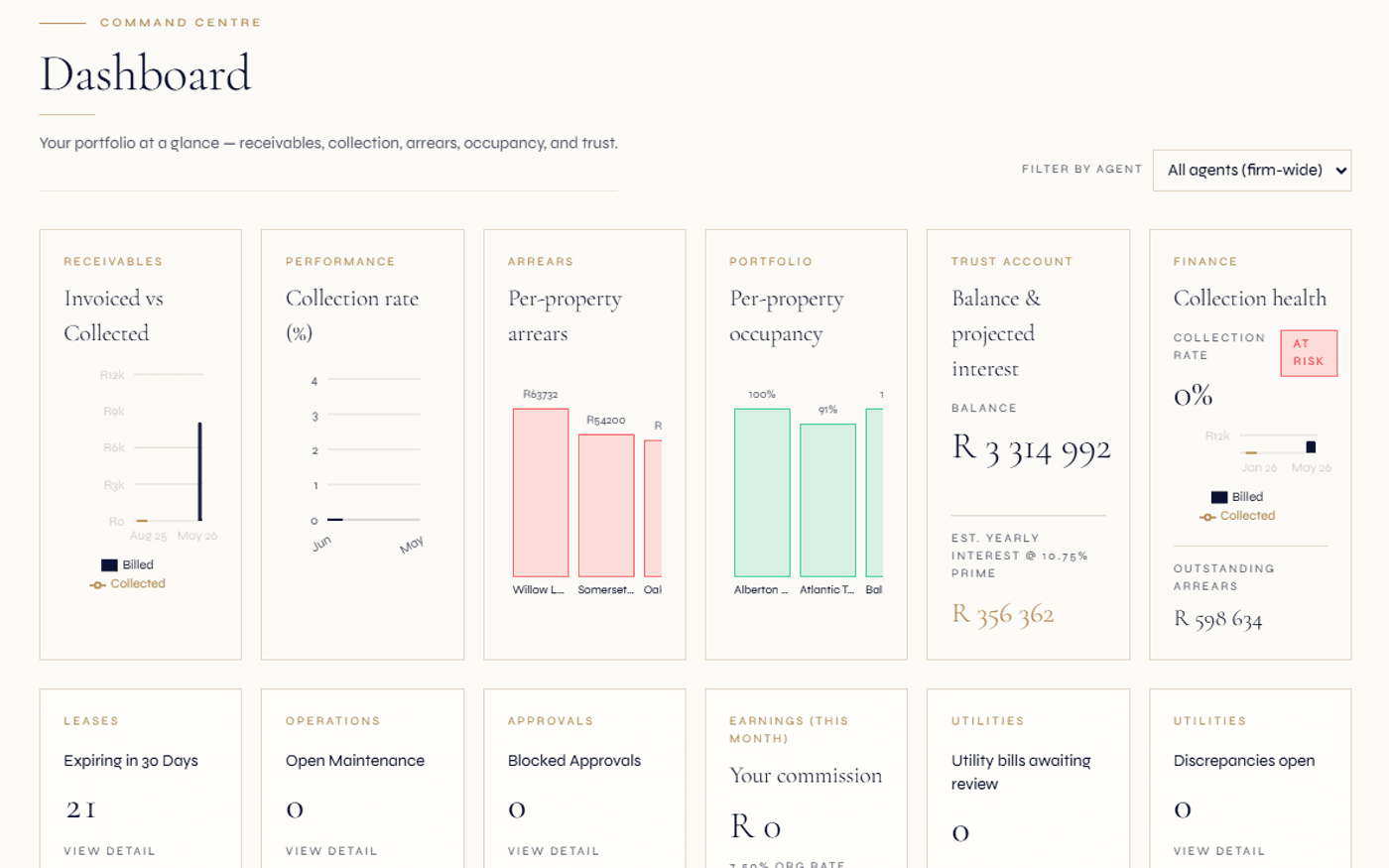
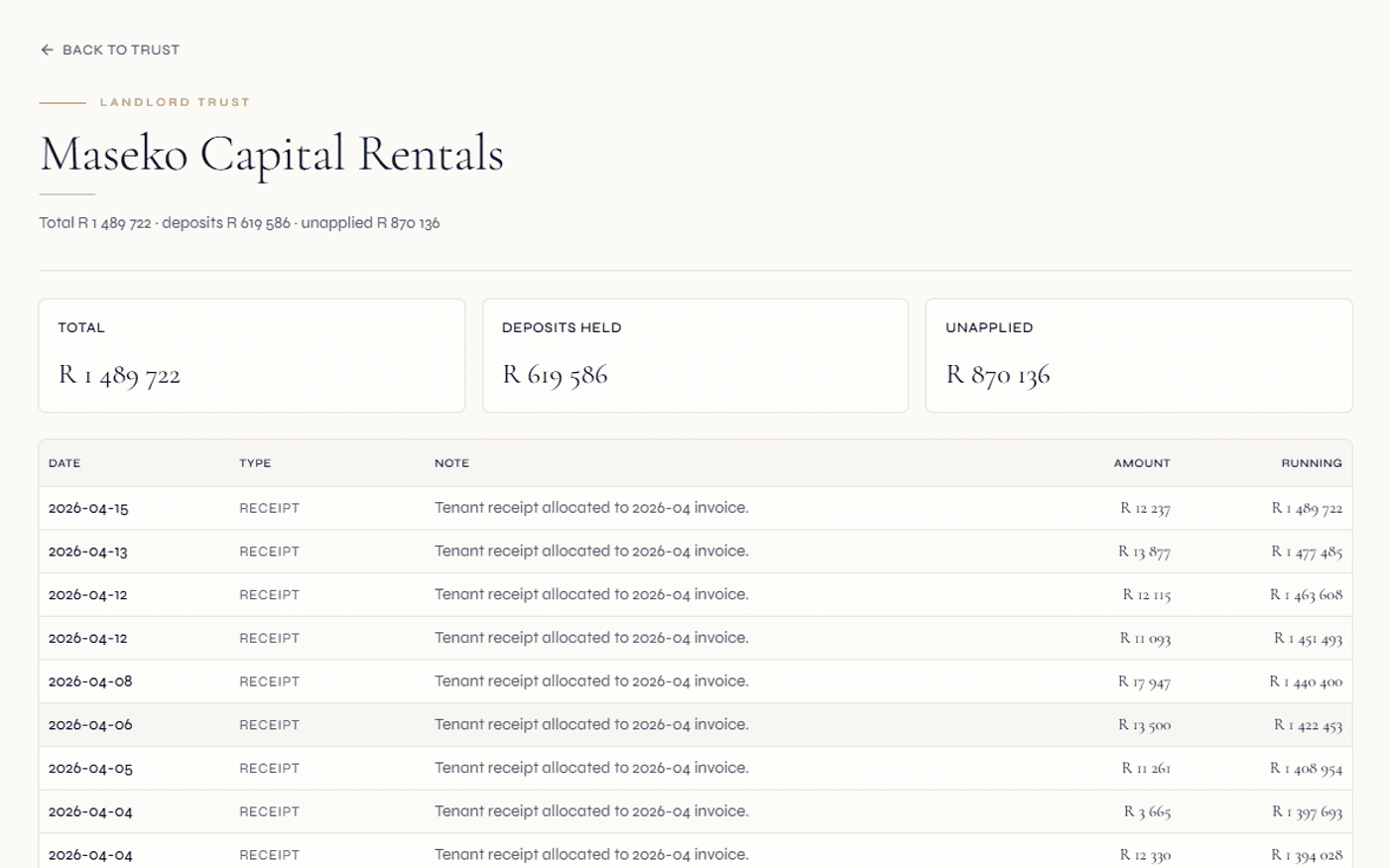
Continue exploring how Regalis handles the rest of the rental operation.
Implementation & onboarding
How the team walks your take-on, configuration and team training from first call to a reconciled go-live.
Read moreMigration checklist
A step-by-step checklist for switching property software: what to export, how to clean it, and how to reconcile before cut-over.
Read moreSoftware vs spreadsheets
Why agencies move off spreadsheets — and what changes for arrears, trust accounting and audit once they do.
Read moreQuestions about switching property management software.
What data can I bring across when I switch property management software in South Africa?+
The records that make up your operating book: properties, units, leases, owners and tenants, suppliers, open invoices, levy history, deposits held, opening balances and arrears. The aim is that on go-live day your balances, your who-owes-what and your deposit positions read the same on Regalis as they did on your old system or spreadsheet.
Where does my data come from — does it have to be a clean export?+
No. Most take-ons start from a mix of spreadsheets, PDF or printed statements and exports from an incumbent system. The data rarely arrives clean. Part of the work is mapping your columns to the right fields, cleaning duplicates and gaps, and validating the result before anything is committed — rather than assuming a perfect file.
How does the column mapping work?+
You upload a CSV and the import tool proposes a mapping from your column headings to the platform fields, recognising common synonyms. You review and adjust that mapping in an editor, preview the rows as they will land, and only then commit. The preview reads your mapped columns so what you see is what gets imported.
What is packet-based migration and why does it matter?+
Larger take-ons are processed in batches rather than one all-or-nothing run. Each batch is checkpointed, and any row that fails validation is set aside into a triage list with the reason captured — instead of failing the whole migration. You work the triage list, fix or re-map the problem rows, and re-run them. One bad row never kills the run.
How are deposits held and opening balances handled?+
Deposits held and opening account balances are brought in as proper financial postings, not just numbers in a field — so the trust ledger and each statement open with the correct opening balance and the deposit position is reflected on the lease. These postings are designed to be idempotent, so re-running a batch does not double-count.
Can I run Regalis alongside my old system before cutting over?+
Yes — parallel running is part of a careful take-on. You operate both systems for an agreed period and reconcile balances, arrears and deposits between them until you are satisfied the numbers agree. Only then do you set the go-live cut-over and retire the old system.
How long does a migration take?+
It depends on the size of your book, the state of your source data and how much cleaning is needed — a single small portfolio is very different to a multi-branch agency carrying years of levy history. We scope it with you rather than quote a fixed timeline up front, and the implementation team walks the take-on with you step by step.
Move your book across without
losing a balance.
Walk through your source data, the column mapping, the packet-based take-on and the parallel-running plan with someone from the implementation team — before you commit to a cut-over.