Implementation & onboarding
without losing a cent in the move.
Property management software implementation done in stages, not as a leap of faith. Bring your data across from spreadsheets or your old system with column auto-mapping, post opening balances and deposits held correctly into the trust ledger, validate to the cent, train your team on their own real data, and cut over cleanly — with support that does not stop at go-live.
- Staged onboarding
- CSV / spreadsheet import
- Fiduciary onboarding
- Reconcile to the cent
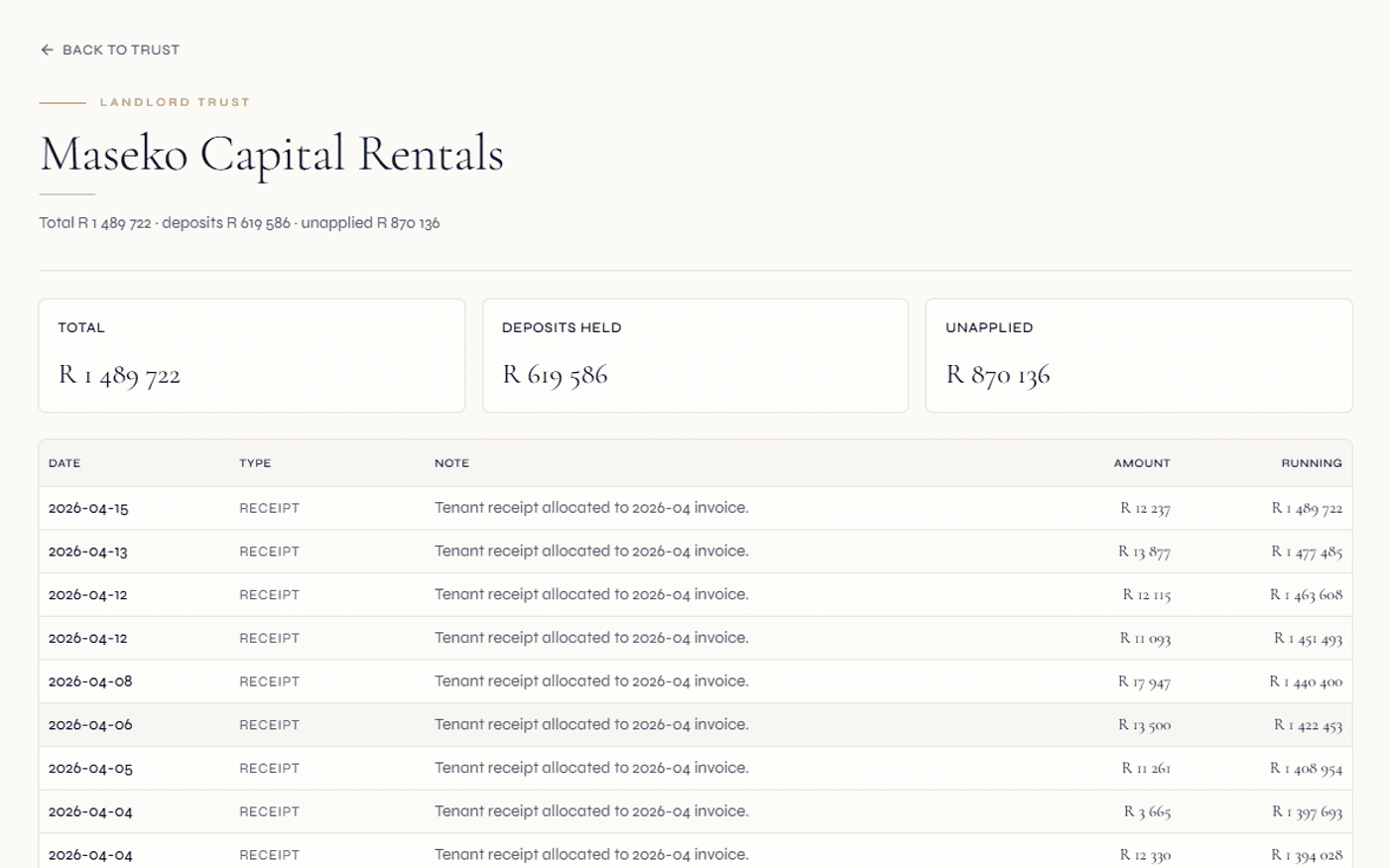
Scoping, data collection, import and validation, configuration, training, testing, go-live and post-launch — each stage with a clear owner.
Spreadsheet and CSV import reads your headers and matches them to the right fields using a library of common synonyms — you confirm before it commits.
Opening balances and deposits held post into the trust ledger so the fiduciary position is correct from day one, not retrofitted after.
The software rarely decides how a rollout goes. Your data, and who owns it, almost always does.
The single biggest predictor of a smooth onboarding is not the platform — it is how clean your source data is and how clearly responsibilities are split before anyone touches a keyboard. A vendor can format and load records all day, but it cannot tell you whether an owner balance is genuinely correct or a stale figure carried forward from a system nobody trusts.
So Regalis onboarding is built around that reality. We own the mechanics — the import tooling, the mapping, the configuration, the training and the technical fixes. You own the truth — supplying accurate data, validating it, and signing off the reconciliations. The two halves are agreed in writing during scoping, which is where most implementation disputes are quietly prevented.
And because this is South African property work, fiduciary obligations are designed into the onboarding rather than bolted on. Trust accounting expectations under the Property Practitioners Act, and CSOS and STSMA obligations for community schemes, shape the configuration from scoping forward — so the system is structured to support compliance, not patched toward it later.
From scoping to a clean cut-over.
Scope what "done" looks like
Before any data moves, we agree the boundaries in writing — which entities, schemes and mandates are in scope, which modules you need, the cut-over date, and which reports must work on day one. Vague scope is the most common reason rollouts drift, so this stage is deliberate.
- Entities, schemes and mandates listed
- Cut-over date and a fallback date
- Day-one reports and outputs confirmed
Bring your data across
You upload spreadsheet or CSV exports — owner and tenant registers, levy and rent rolls, lease terms, opening balances, deposits held, arrears and supplier details. The import tool reads your columns and auto-maps them to the right fields using a synonym library, and you confirm or adjust the mapping before anything commits.
- Column auto-mapping with header synonyms
- Mapping reviewed and previewed before commit
- Processed in small batches, never all-or-nothing
Post the money side properly
Fiduciary onboarding is where most migrations go wrong, so it is handled with care. Opening balances raise opening invoices against the right parties, and deposits held post into the trust ledger as held funds — so the trust position is correct from the first day. The postings are idempotent, so a re-run never double-counts.
- Opening-balance invoices raised correctly
- Deposits held posted into the trust ledger
- Idempotent — safe to re-run
Validate, configure, train, test, go live
Validation reconciles trust cash, roll totals and arrears to the cent, quarantining any failed rows. Configuration shapes fees, billing cycles, the chart of accounts, roles and approval thresholds. Training is role-based on your own migrated data. After an end-to-end test, you cut over on a clean freeze — and support continues through the first live cycle.
- Reconcile to the cent with an exceptions list
- Role-based training on real data
- Clean freeze cut-over, then post-launch support
How property software migrations usually go wrong
- Data is dumped in as flat numbers — opening balances and deposits never reach the trust ledger, so the fiduciary position is wrong before the first reconciliation.
- Column headers do not match the new system, so every spreadsheet becomes a manual re-keying exercise.
- One malformed row aborts the whole import, and the migration stalls for days while someone hunts for it.
- Nobody agreed who owned data accuracy, so the customer and vendor each assumed the other was checking.
- Staff are trained on a blank demo environment, then meet their real data for the first time on go-live day.
- Old and new systems run in parallel for posting, and the balances drift apart until neither can be trusted.
How Regalis onboarding is built to work
- Opening balances and deposits held post correctly into the trust ledger, so the trust position is right from day one.
- Column auto-mapping recognises your headers through a synonym library — you confirm the mapping, then commit.
- Records load in batches and a failed row is quarantined, not allowed to block the rest of the migration.
- Responsibilities are split in writing during scoping: we own the mechanics, you own and sign off the truth.
- Training runs on a copy of your own migrated data, so the screens are familiar before cut-over.
- A clean freeze cut-over replaces indefinite parallel running, with the old system kept read-only for history.
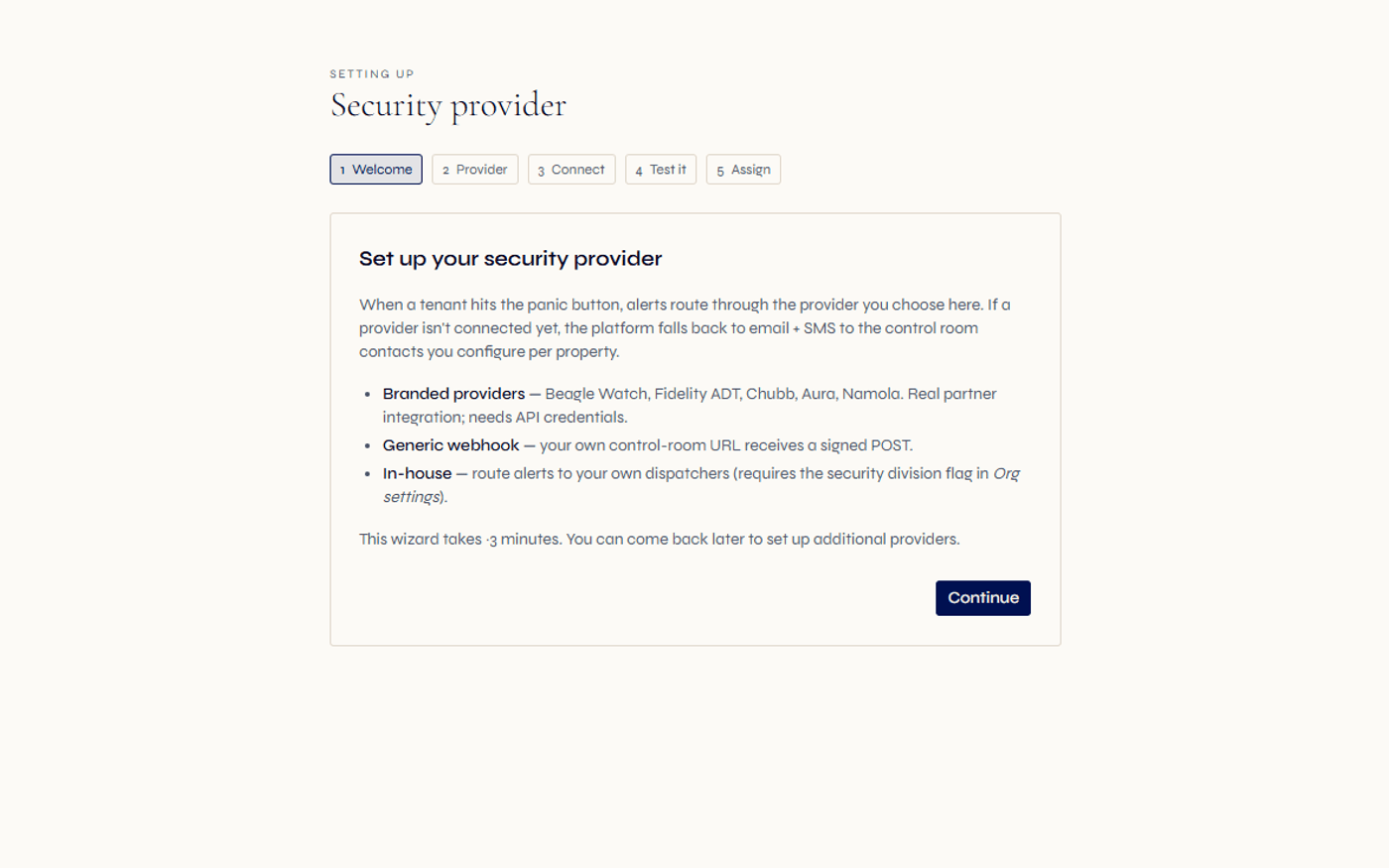
The pieces of a clean implementation, handled in order.
Every onboarding follows the same disciplined shape — but the sequence and the responsibility split are what keep it clean. Here is what each piece does.
Scoping & responsibility split
A written scope of entities, schemes, modules and the cut-over date — plus an explicit split of who owns each task, agreed before any data moves.
Data collection
You assemble the source of truth: owner and tenant registers, levy and rent rolls, lease terms, opening balances, deposits held, arrears and supplier details.
Spreadsheet & CSV import
Upload your exports and the import tool reads the columns directly. No rigid template to wrestle your data into first.
Column auto-mapping
Your headers are matched to the right fields using a library of common synonyms, so familiar but differently-named columns land in the right place. You confirm or adjust before commit.
Preview & validation
You preview the mapped rows, reconcile control totals — trust cash, roll totals, arrears — and keep a documented exceptions list. Sign-off happens only when the numbers tie out.
Fiduciary onboarding
Opening balances raise opening invoices and deposits held post into the trust ledger as held funds. Idempotent postings mean a re-run never double-counts.
Batch-safe imports
Records process in small batches, so a single malformed row is quarantined rather than aborting the whole migration.
Configuration
Fee structures, billing cycles, the chart of accounts, document templates, user roles and approval thresholds — set up to match how you actually run, with trust postings locked down.
Role-based training
Accounts staff learn receipting and reconciliation; managers learn the levy and lease flows; trustees and landlords learn their portal — trained on your own migrated data.
End-to-end testing
A short test script covers your highest-volume and highest-risk flows — receipting, allocations, arrears letters, supplier payments and trust reconciliation — run by the people who will own them.
Clean go-live cut-over
A defined freeze: stop posting in the old system, take final balances, confirm they match the migrated opening balances, and begin live processing — no indefinite parallel running.
Post-launch support
A closer-support window after go-live, an early reconciliation to confirm the first live cycle balanced, and a review at the 30 and 90-day marks against what scoping promised.
Bringing money across is not a copy-paste. It is a posting.
Most onboarding pain in South African property work comes from the money side. A flat list of "owner owes R4,212" tells the new system nothing about why, against which invoice, or where the corresponding trust cash sits. Loaded that way, the ledger looks plausible and reconciles to nothing.
Regalis treats opening data as real accounting events. Opening balances raise opening invoices against the correct owner or tenant, so each balance has a source you can trace. Deposits held are posted into the trust ledger as held funds, so the trust position reflects clients' money correctly from the first day rather than being reconstructed later. Because these postings are designed to be idempotent, an accidental re-run of an import does not double the figures — a safeguard that matters when several people are working a migration in parallel.
The effect is that your first trust reconciliation after go-live is a confirmation, not an investigation. Opening cash ties to the bank, deposits held tie to the held-funds position, and arrears tie to your records — because the onboarding posted them, rather than merely listing them.
Continue exploring how Regalis handles the rest of the rental operation.
Migration
Moving off a legacy stack — what comes across, how trust balances and levy rolls reconcile, and how the cut-over is handled cleanly.
Read moreImplementation checklist
The full stage-by-stage checklist — scoping to go-live and beyond — with who owns each stage and the order to switch modules on.
Read moreTrust accounting
The trust ledger your opening balances and deposits held post into — structured to support property-practitioner fiduciary requirements.
Read moreCommunity schemes
HOA, sectional title and body corporate onboarding — levy rolls, reserve fund segregation and CSOS-aligned compliance on the same instance.
Read morePlan your onboarding
Walk through your portfolio, your current data and a sensible cut-over date with someone from the team.
Read moreWhat it costs
See how the platform is priced as you scope which modules to switch on first.
Read moreCommon questions about implementation and onboarding.
How does Regalis property management software implementation work?+
Onboarding runs in stages rather than as a single switch: scoping what you are bringing on, collecting your source data, importing and validating it, configuring the system to your operation, role-based training, testing the workflows end to end, a clean go-live cut-over, and post-launch support. The early stages — clean data and a clear split of responsibilities — matter more to a smooth rollout than the software itself.
Can I bring my existing data in from spreadsheets or my old system?+
Yes. You upload a CSV or spreadsheet export and the import tool reads your columns, then auto-maps them to the right fields using a library of common header synonyms — so a column called "Unit", "Door No" or "Stand" lands in the right place. You review and adjust the mapping before anything commits, preview the mapped rows, and only then run the import. Records are processed in small batches rather than all-or-nothing.
How are opening balances and deposits held brought across correctly?+
Fiduciary onboarding posts the money side properly rather than dropping in flat numbers. Opening balances raise opening invoices against the right owners and tenants, and deposits held are posted as held funds into the trust ledger so the trust position is correct from day one. These postings are built to be idempotent, so re-running an import does not double-count.
Who is responsible for data accuracy during onboarding?+
As a rule of thumb, the vendor owns the mechanics — the import tooling, configuration, training and technical fixes — while you own the truth: supplying accurate data, validating it, and signing off the reconciliations. Only you can confirm that an owner balance or a levy amount is genuinely correct. We recommend agreeing this split in writing during scoping, because most implementation disputes trace back to an unwritten assumption about who owned a task.
What should reconcile before go-live?+
At minimum, opening trust cash should tie to the bank statement, levy and rent roll totals should tie to your current billing, and arrears should match your records. For clients' money, the expectation is an exact reconciliation, not an approximate one. Validation runs in batches with a documented exceptions list, and a row that fails is quarantined rather than allowed to block the whole migration.
Which modules should be switched on first?+
We sequence so the financial base is solid before anything is built on it: core registers and the general ledger first, then trust accounting and reconciliation, then billing and collections, then owner and tenant portals, and finally meetings, document management and advanced reporting. Standing up portals before the ledger reconciles tends to expose wrong balances to the people most likely to query them.
What happens after go-live?+
Post-launch covers the period when issues surface under real load: a closer-support window, an early reconciliation to confirm the first live cycle balanced, and a triaged backlog of small refinements. Once the core is stable, the modules sequenced for later are switched on. We suggest a review at the 30 and 90-day marks to confirm the system is delivering what scoping promised.
Bring your data across cleanly.
Then go live with confidence.
Walk through your registers, your trust balances and a sensible cut-over date with someone from the team — and see how column auto-mapping and fiduciary onboarding keep the move accurate to the cent.