Load shedding notification software
for South African property teams.
Tenant load shedding notifications, on auto-pilot. Eskom area codes per property, EskomSePush integration polling outage data, and area notices fanned out to affected tenants automatically. The same surface handles water, security and estate notices.
- EskomSePush native
- Per-property Eskom area code
- Multi-channel fan-out
- Manual + automated notices
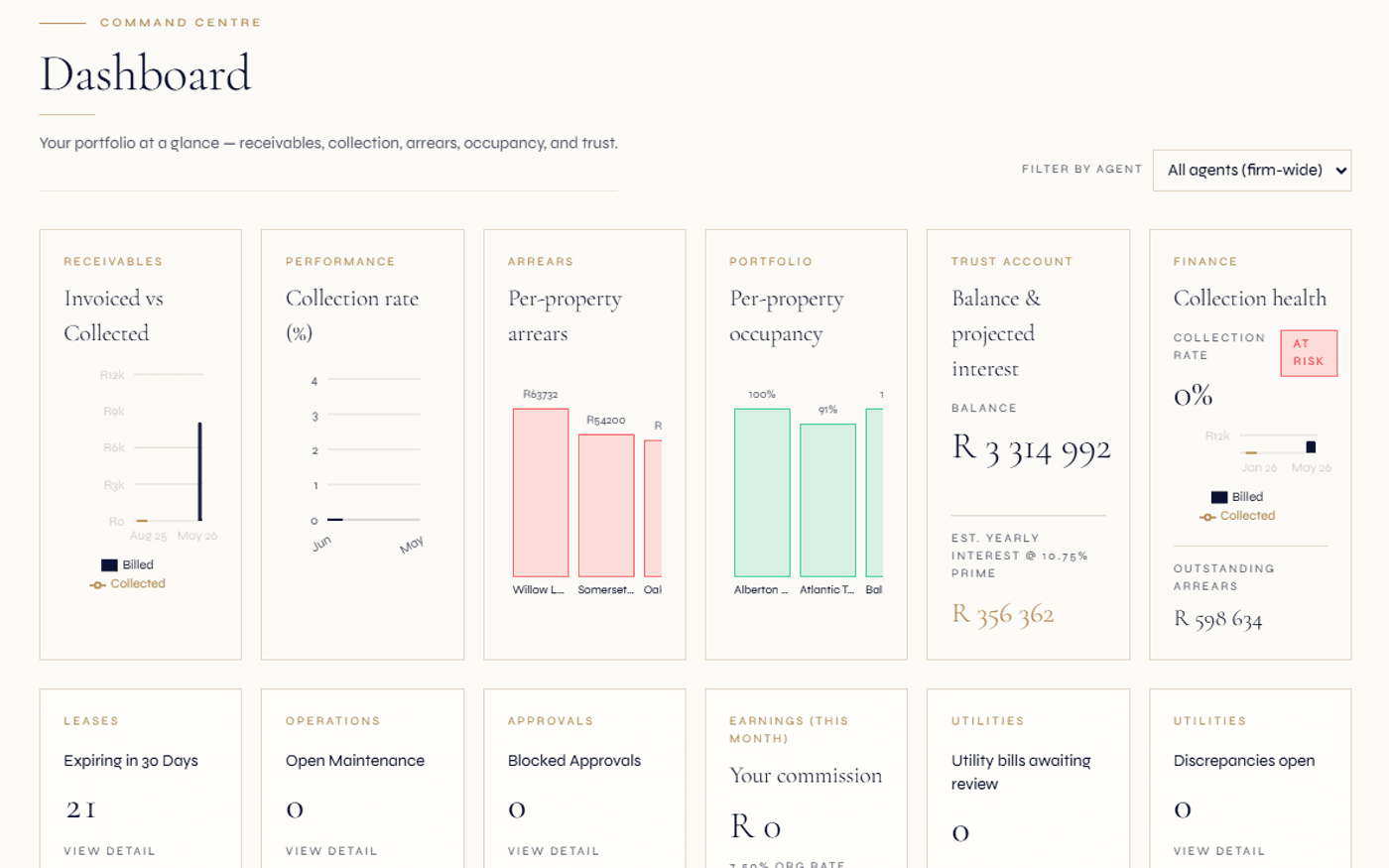
Each property stores its own area code so notices are scoped automatically.
Outage, estate, security, water, power and general — different tone, same surface.
In-app, email, SMS — subject to per-tenant channel preferences.
Load shedding is the single most-asked-about tenant communication in SA.
Anywhere else in the world, "the team will let tenants know about power cuts" sounds like a side-feature. In South Africa it is one of the highest-volume communication workflows a rental team runs. Stages change, schedules slip, municipalities post different schedules from Eskom, generator failures cause off-schedule outages, water pumps depend on power, and tenants want to know what is happening to their unit specifically.
Most agencies still do this manually. A property manager checks EskomSePush on a personal phone, drafts a WhatsApp broadcast, copy-pastes it into multiple property groups, and hopes the right tenants saw it. The work scales linearly with the number of buildings and is brittle on every dimension — wrong area code, missed stage change, broadcast goes to former tenants, etc.
Regalis treats outage notification as a first-class workflow. Each property carries its own Eskom area code, EskomSePush data flows in continuously, area notices are created automatically for scheduled stages, and each notice is delivered to the right tenants over the channels they accept.
Read the full guide
How outage comms usually break
- Property manager forgets to check EskomSePush this morning; tenants are surprised by stage 4 at 18:00.
- A new tenant moved in last week but is not on the WhatsApp broadcast group; they miss the notice.
- A municipality runs a different load shedding schedule from Eskom and the team broadcasts the wrong one.
- Water pump depends on power; tenants get the power outage notice but no warning about the water knock-on.
- Tenants reply individually with questions — "is my building affected?" — and the office becomes a load shedding helpdesk.
How Regalis runs it
- Regalis pulls outages for every active area code in your portfolio automatically, around the clock.
- Each notice reaches only the tenants whose property carries that area code — no stale broadcasts.
- The audience selector lets you target by property, suburb, area code or lease status without building manual lists.
- Manually published notices for water, security and municipal-only outages slot into the same delivery flow.
- A delivery record for every tenant and notice — if a delivery fails you can see why and resend through a different channel.
From EskomSePush event to tenant-in-the-loop.
Properties carry an area code
Every property can store its own Eskom area code, captured during onboarding — the property setup flow prompts for it. If you do not know the area code, Regalis can look it up from the property's location.
- Per-property Eskom area code
- Location-based area-code lookup
- Editable from the property record
EskomSePush fetches the outages
Regalis checks EskomSePush for every distinct area code in your portfolio on a schedule you control. New events are matched to a unique reference so cancellations and updates land cleanly without creating duplicates. Manually-created outages flow through the same surface.
- Configurable check schedule
- No duplicate notices on re-checks
- Manual outages also captured
Area notice is generated
For each new outage, a notice is created with a title, body, start and end time, type, and an audience that targets tenants at properties with the matching area code. Publishing sends it to those tenants.
- Outage type for load shedding
- Per-organisation templates
- Manual override supported
Tenants get notified
The notice fans out to affected tenants on the channels they have opted into (in-app, email, SMS). Each delivery is logged with channel, status, error and last attempt, so failed sends are visible per recipient.
- Channel preferences per tenant
- Delivery log per tenant per notice
- Per-recipient delivery status
A complete area-notice + outage toolkit.
Per-property area code
Each property stores its Eskom (or municipal) area code. Set during onboarding, editable from property detail, with a lookup helper for coordinates.
EskomSePush integration
A direct EskomSePush connection checks for outages on a schedule you control, and matches each event so re-checks never duplicate notices.
Load shedding outage records
Every outage stores start, end, stage, source and notes — linked to the property or area code, visible on staff and tenant outage dashboards.
Area notices
Six notice types — outage, estate, security, water, power, general. Manually published or auto-generated, with fine-grained audience targeting.
Multi-channel fan-out
Resolves audience at send time and fans out via in-app, email or SMS — respecting per-tenant channel preferences.
Per-tenant delivery log
Every delivery records its channel, status, last attempt and any error — failed sends are visible per recipient, giving you a structured trail to support audit preparation.
Manual notices
For municipal-only outages or estate-specific events, your team can publish manually with audience targeting and channel selection.
Scheduled notices
Notices support scheduled start and end timestamps for planned maintenance windows. Publishing controls when fan-out actually happens.
Per-property outage history
Every property has an outage history view — useful when landlords ask "how often did the building lose power last quarter?" or when assessing generator ROI.
Tenant outage dashboard
Tenants see their property's current and upcoming outages, filterable, with the source (Eskom vs manual) visible.
Notification audience reach
When a notice is published, the platform shows how many tenants will receive it across channels, with a delivery-success rollup after fan-out completes.
Delivery status per channel
Every send on a notice is tracked in the delivery log — channel, status and last attempt — so you can see exactly what reached tenants and what failed.
Why we made it a generic area-notice surface.
When we designed the outage workflow, the obvious starting point was load shedding. But the same fan-out pattern applies to water cuts (Joburg Water, Tshwane), security alerts (a complex break-in, a recent armed-response incident), estate notices (gym closed for maintenance, AGM scheduled), and general communication that should reach the people in a building or area.
So we built six notice types: outage, estate, security, water, power and general. EskomSePush generates outage and power notices automatically. Everything else is a manually-published area notice that uses the same delivery engine, the same delivery log, and the same respect for each tenant's channel preferences.
For estate-only complexes, the security notice type works naturally alongside an in-house security team — if your security manager logs a notable incident, they can publish an estate-wide notice in the same workflow. For body corporates, estate notices cover routine maintenance windows, the AGM, levy reminders and common-area notices.
Continue exploring how Regalis handles the rest of the rental operation.
Tenant portal
The tenant-side outage dashboard, notice history and channel preferences live in the tenant portal.
Read moreMaintenance dispatch
If an outage causes property damage (geyser, generator), the dispatch workflow takes over.
Read moreManaging agent oversight
Cross-portfolio outage visibility for managing agents running multiple landlord books.
Read moreCommon questions
Common questions about outage notifications.
How does the load shedding integration work?+
Every property carries an Eskom area code (or municipal equivalent). The platform polls EskomSePush on a configurable cadence; when a new outage is published for that area, a notice is generated and fanned out to tenants in the affected units via the channels they have opted into.
What is the difference between automated and manually-created notices?+
EskomSePush data is fetched automatically. Manually-created notices come from your team — usually for localised outages EskomSePush has not picked up (a generator failure, a body-corporate-scheduled maintenance window, a municipal supply problem). Both flow through the same notice and delivery surface.
Can tenants opt out of load shedding notifications?+
Tenants control which channels they receive notices on (in-app, email, SMS) from their profile. They cannot opt out of emergency-class notices entirely, but they can downgrade to in-app-only if they prefer.
What kinds of notices can be sent?+
Outage, estate, security, water, power and general. Property managers can publish any of these manually through the notices page with audience targeting by property, suburb, area code or ad-hoc query. EskomSePush events generate outage and power notices automatically.
Does the audience query support fine-grained targeting?+
Yes. The audience selector lets you target tenants based on property, unit, area code or lease status — for example "all tenants at Property X", "all tenants in suburb Y with active leases", or "all tenants on the third floor of Block A". The query resolves at send time, so a notice scheduled 30 minutes ahead still picks up the latest tenant list.
Does it support water and municipal outages too?+
Yes. Water for water outages, power for grid (non-load-shedding) outages, security for security alerts, estate for estate management notices. Each type has its own template suite so the tone and detail match the situation.
See everything built for you — explore the property managers hub
Tenants should hear it
from the platform, not the office.
Walk through the outage workflow — area codes, EskomSePush, manual notices, multi-channel fan-out — with someone from the team.